
Implementing High-Speed Burst Capture with the Basler pylon SDK (C# / .NET 8)
In machine vision and inspection systems, it’s often not enough to capture a single frame—you frequently need to capture multiple images in rapid succession, also known as burst capture or continuous acquisition.
In this article, we walk through how to implement burst capture using the Basler pylon SDK in C#, including:
- A basic capture loop
- Controlling frame interval
- Saving images with timestamps
- Practical performance considerations
✔ What You Will Learn
- How to implement a burst capture loop
- How to control acquisition interval using frame-rate settings
- How to save frames with timestamps for later analysis
- How to avoid dropped frames and performance bottlenecks
✔ Environment
| Item | Details |
|---|---|
| Camera | Basler acA2500-14gm |
| SDK | Basler pylon Camera Software Suite |
| Lang | C# / .NET 8 (Windows) |
🔄 Basic Burst Capture: Capturing N Consecutive Frames
Before implementing burst capture, define a helper method to control trigger mode:
|
1 2 |
public bool SetTriggerMode(string mode) => SetPLCameraParameter(PLCamera.TriggerMode, mode); |
The following method performs a free-run (trigger-off) burst capture, saving each frame with both an index and elapsed time. Including timestamps makes later debugging and performance analysis much easier.
|
1 2 3 4 5 6 7 8 9 10 11 12 13 14 15 16 17 18 19 20 21 22 23 24 25 26 27 28 29 30 31 32 |
public void BurstCapture(int count, string baseName = “burst”) { SetTriggerMode(PLCamera.TriggerMode.Off); // Free-run mode if (Camera == null || !IsConnected) throw new InvalidOperationException(“Camera is not connected.”); if (Camera.StreamGrabber == null) throw new InvalidOperationException(“Camera StreamGrabber is not available.”); var sw = new Stopwatch(); Camera.StreamGrabber.Start(); sw.Start(); for (int i = 0; i < count; i++) { using IGrabResult? result = Camera.StreamGrabber.RetrieveResult(5000, TimeoutHandling.ThrowException); var elapsed = sw.ElapsedMilliseconds; if (result?.GrabSucceeded ?? false) { var bmp = ConvertGrabResultToBitmap(result); string filename = $“{baseName}_{i:D3}_{elapsed}ms.bmp”; SaveBitmap(bmp, filename); } } sw.Stop(); Camera.StreamGrabber.Stop(); } |
🕒 Controlling the Capture Interval
Burst capture does not automatically enforce timing.
To control the interval—for example, 10 fps—enable and set AcquisitionFrameRate:
AcquisitionFrameRateEnable = true
AcquisitionFrameRate = desired fps
Reference: How to Control and Verify Frame Rate Using the Basler pylon SDK (C# / .NET 8)
📷 Example: Capturing 10 Frames at 10 fps
|
1 2 3 4 5 6 7 8 9 10 11 12 13 14 15 16 17 18 |
[TestMethod()] public void BurstCaptureTest_10times() { if (!_baslerCameraSample.IsConnected) _baslerCameraSample.Connect(); _baslerCameraSample.EnableFrameRate(true); _baslerCameraSample.SetFrameRate(10); // 10 fps (100 ms/frame) _baslerCameraSample.BurstCapture(10, “BurstCaptureTest”); for (int i = 0; i < 10; i++) { string filename = $“BurstCaptureTest_{i:D3}_*.bmp”; var files = System.IO.Directory.GetFiles(“.”, filename); Assert.IsTrue(files.Length > 0, $“File {filename} not found.”); } } |
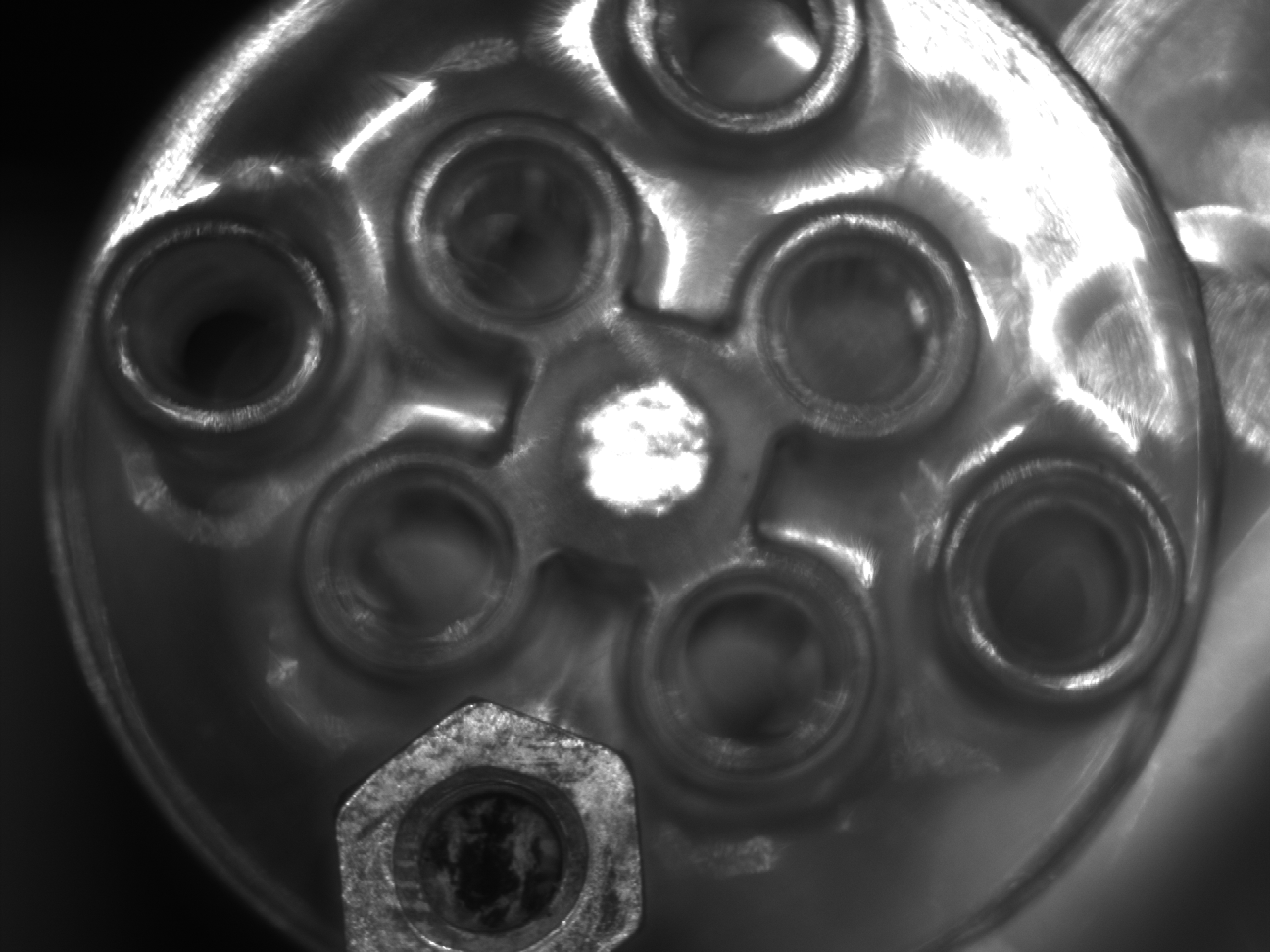
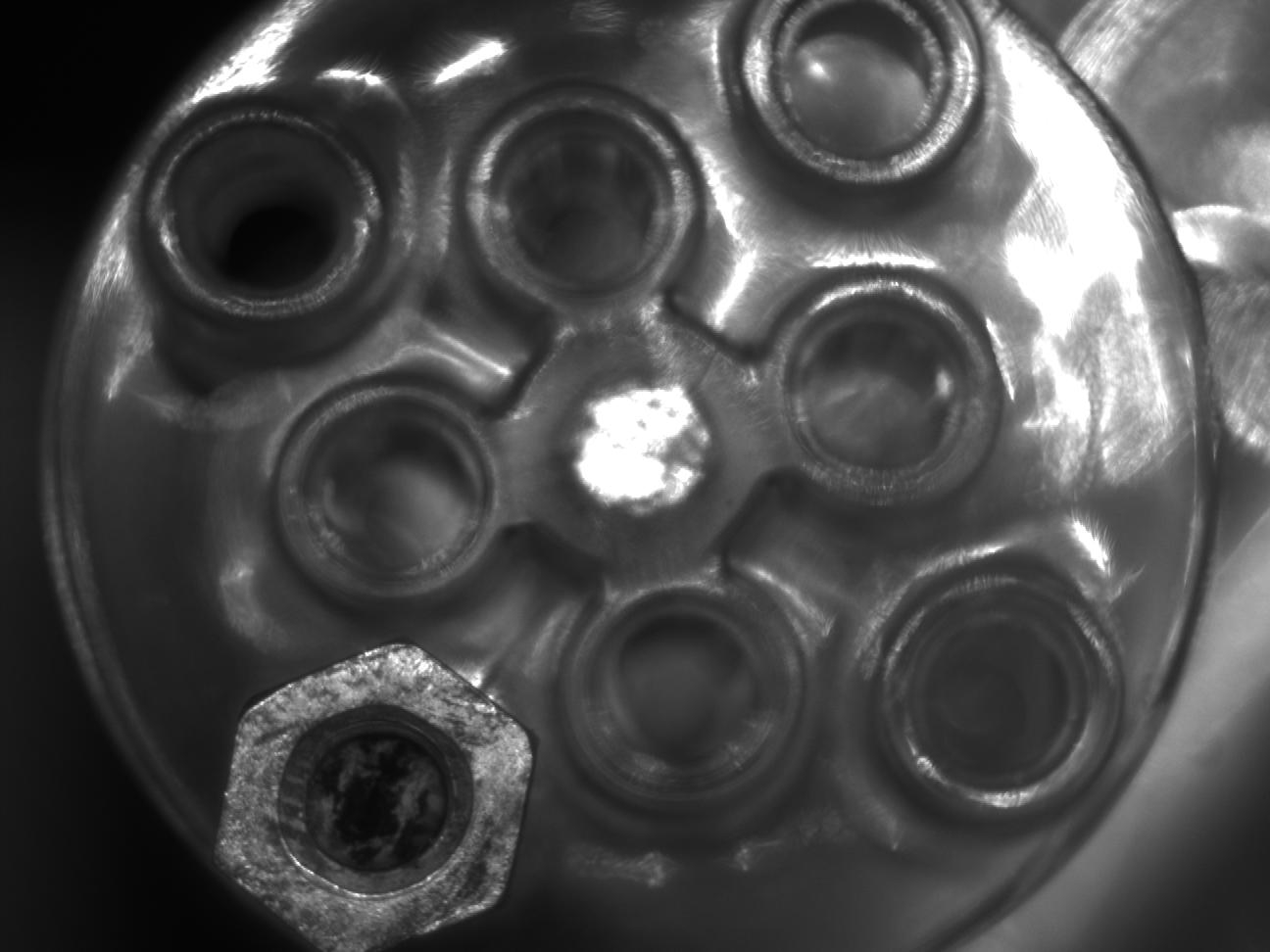
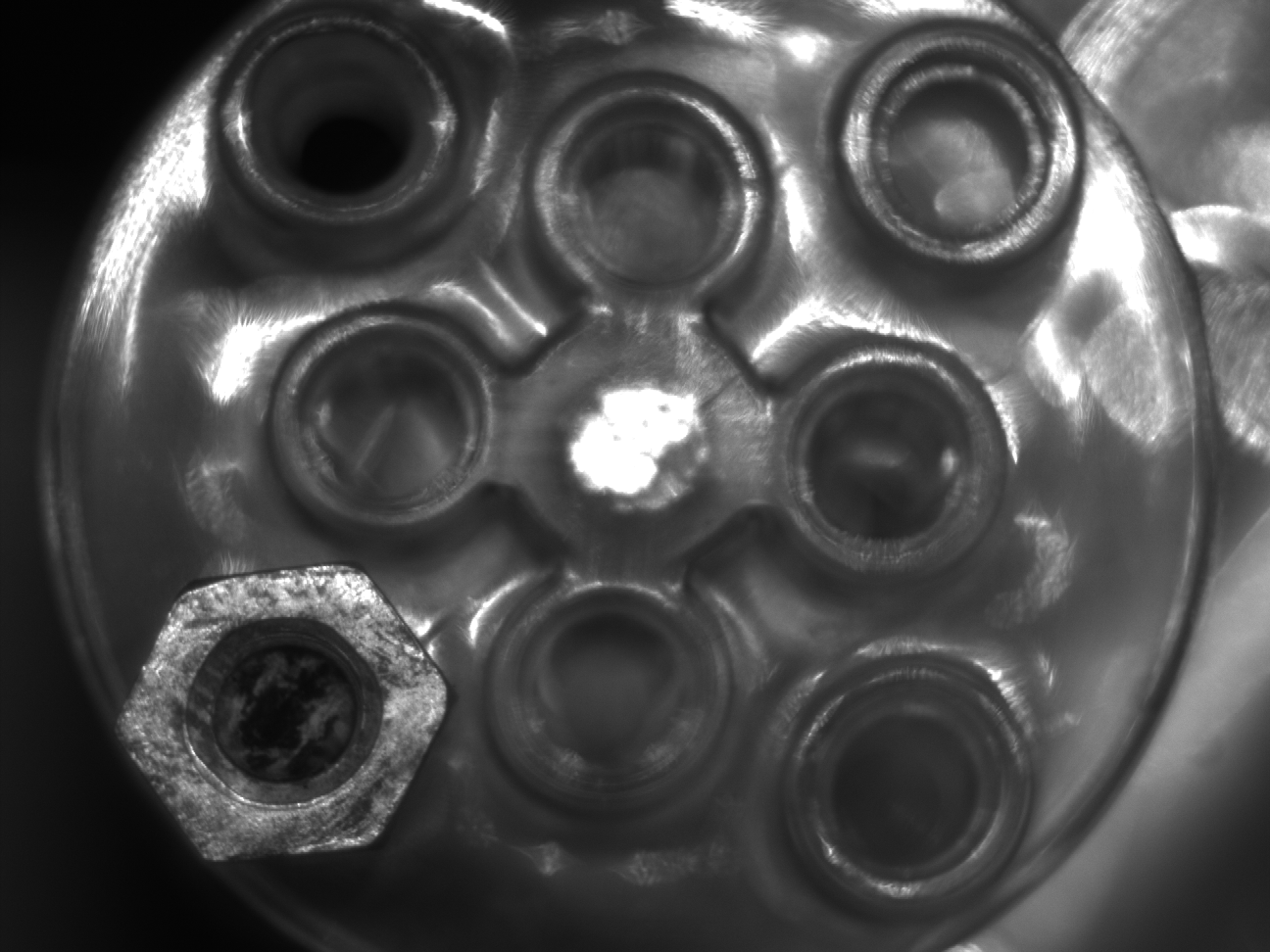
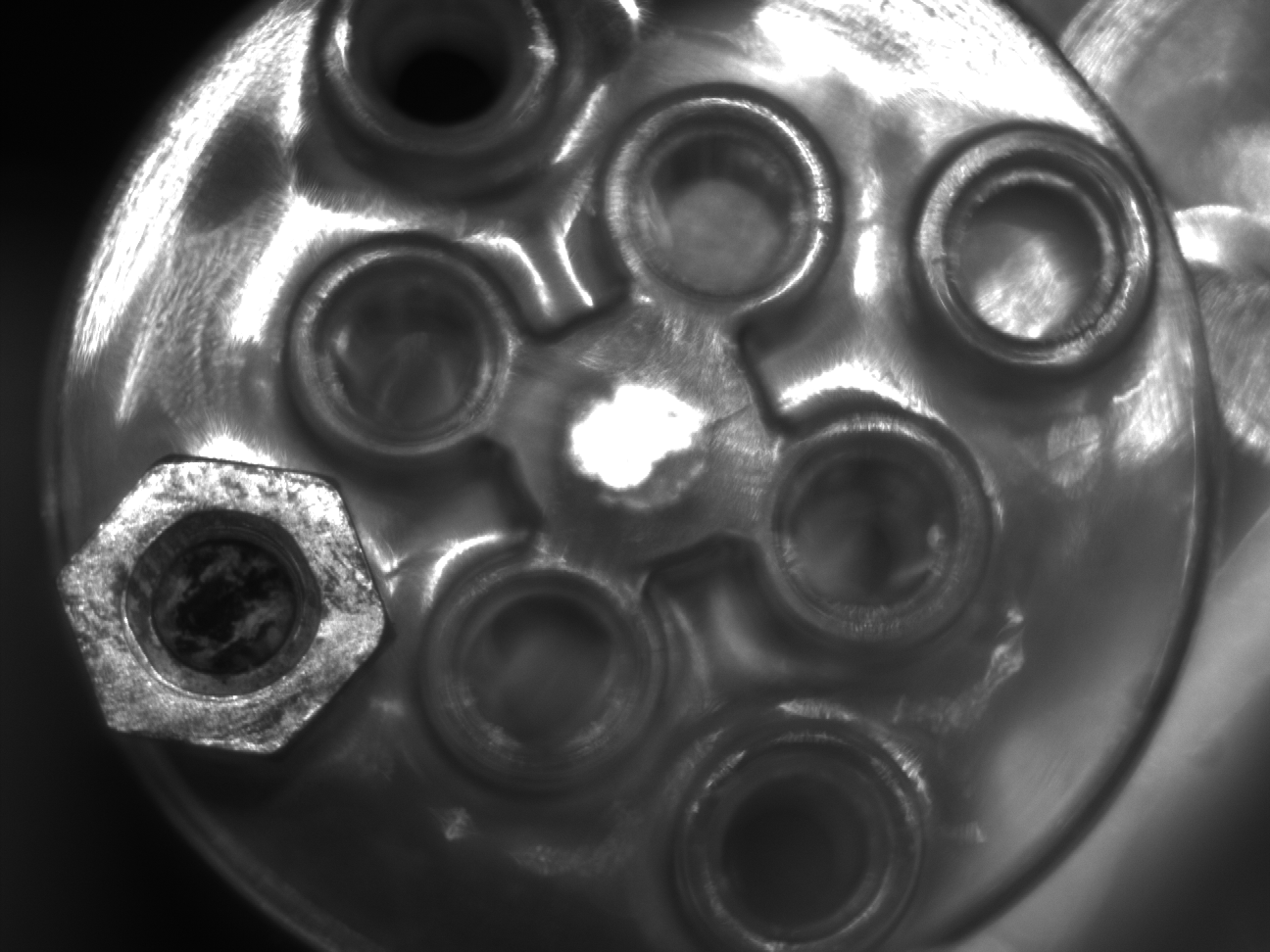
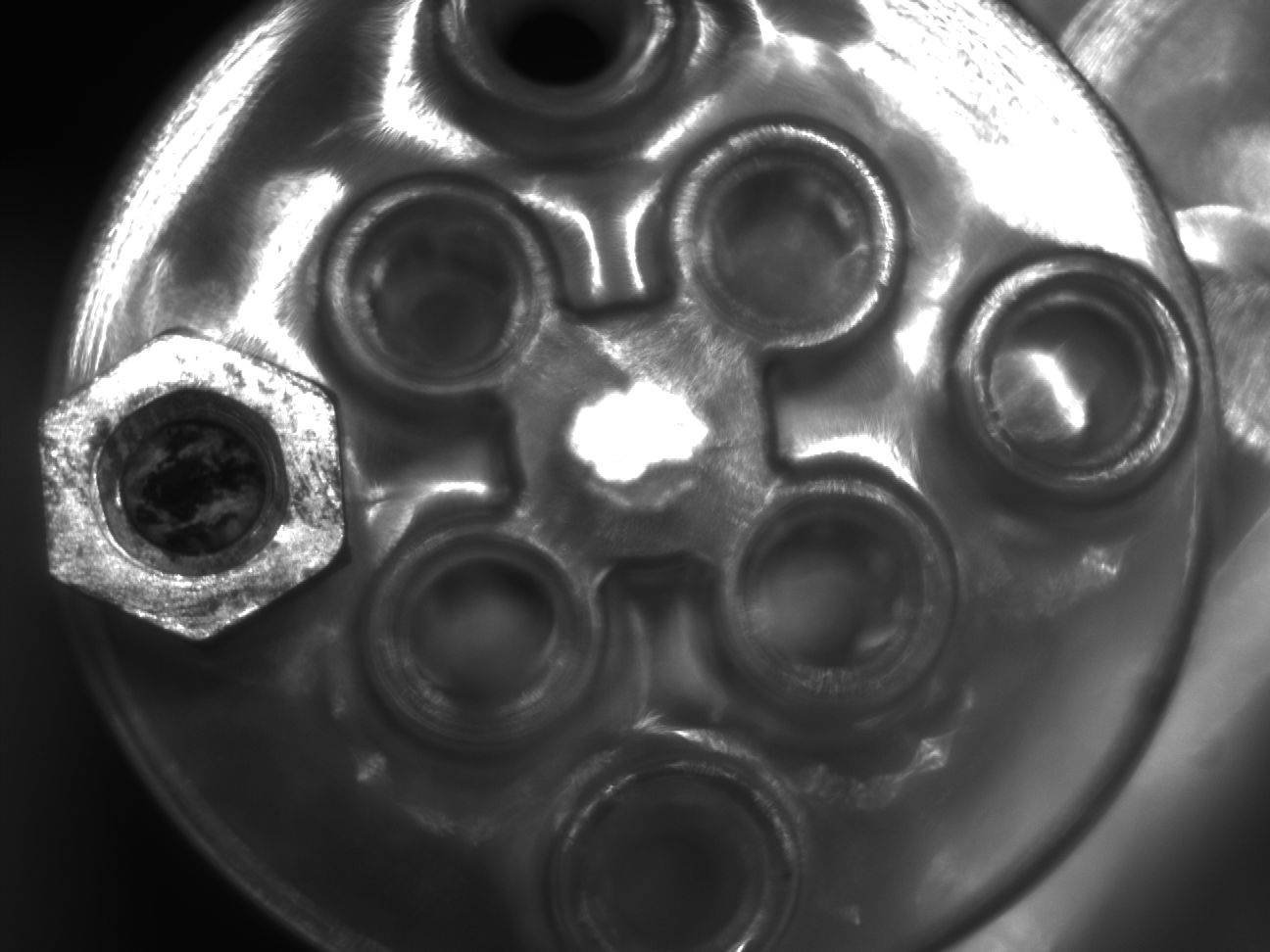
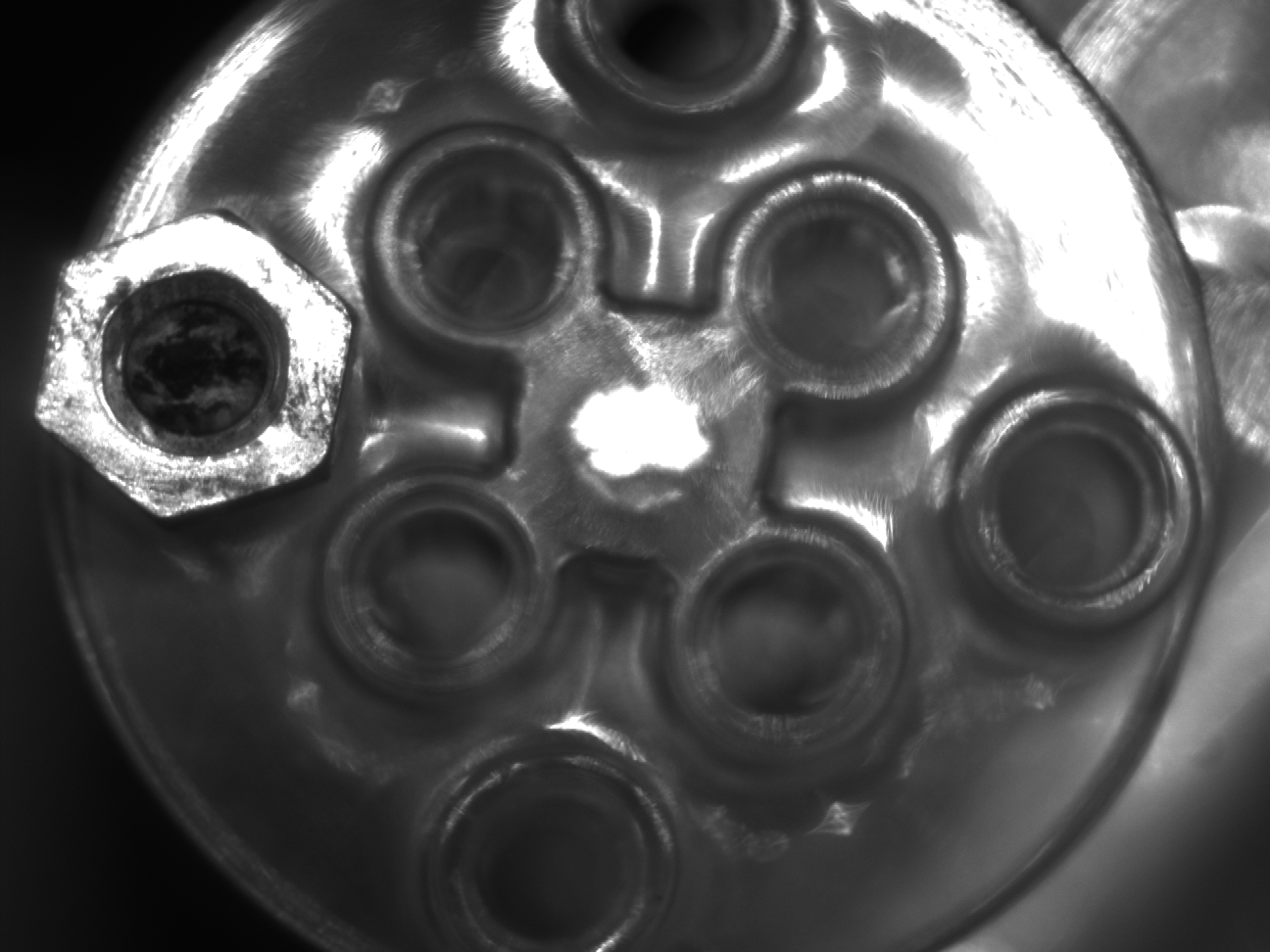
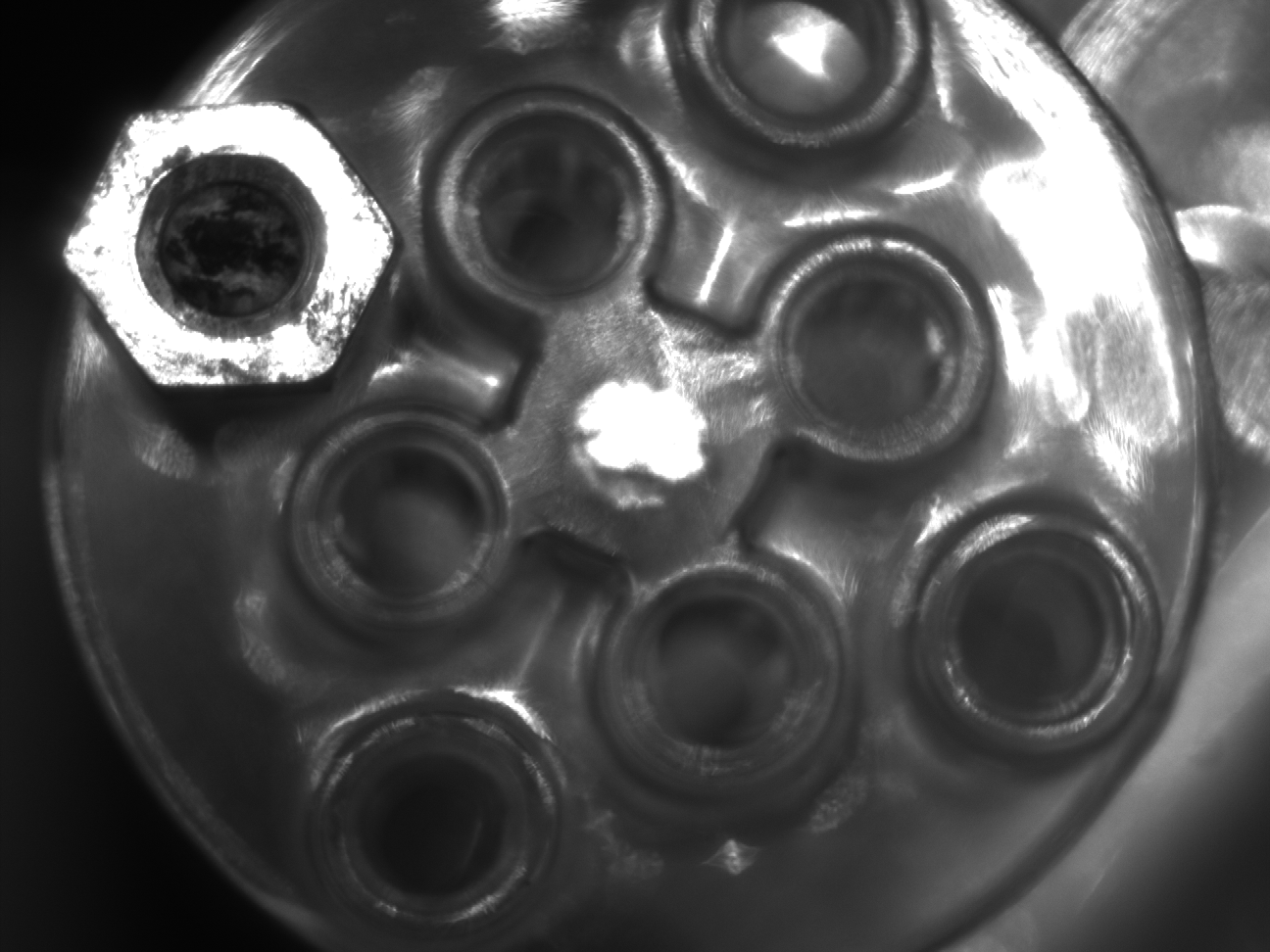
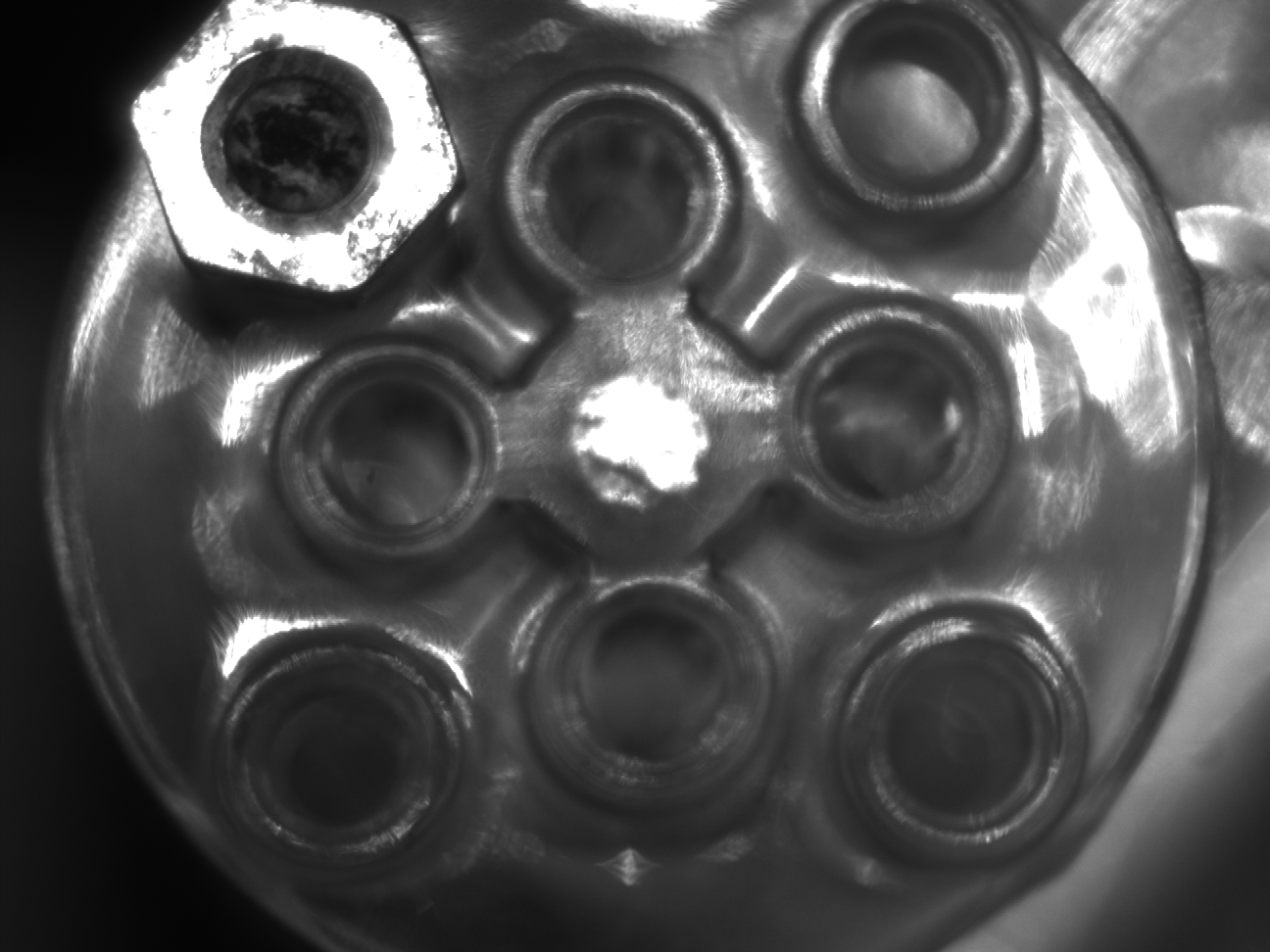
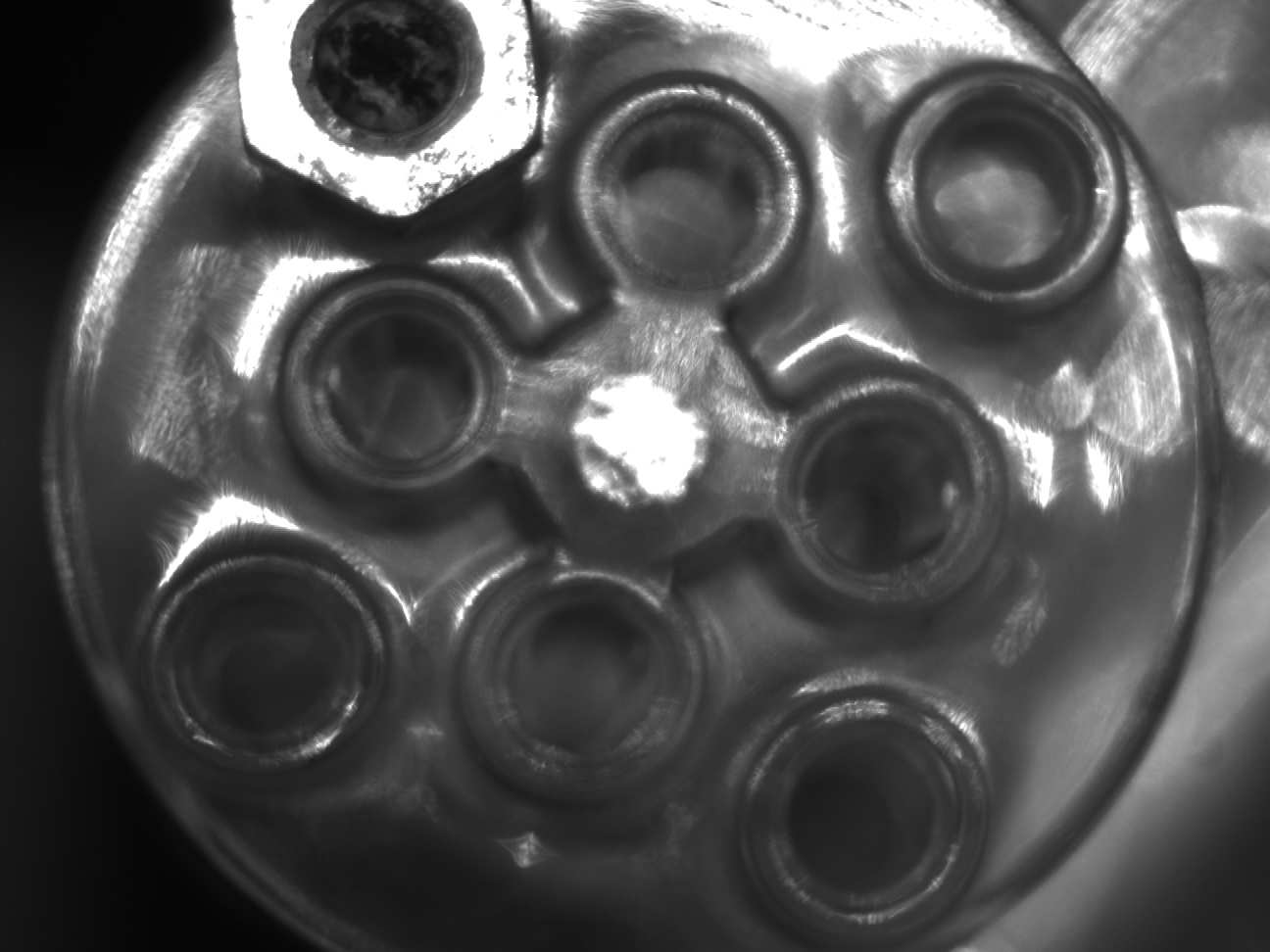
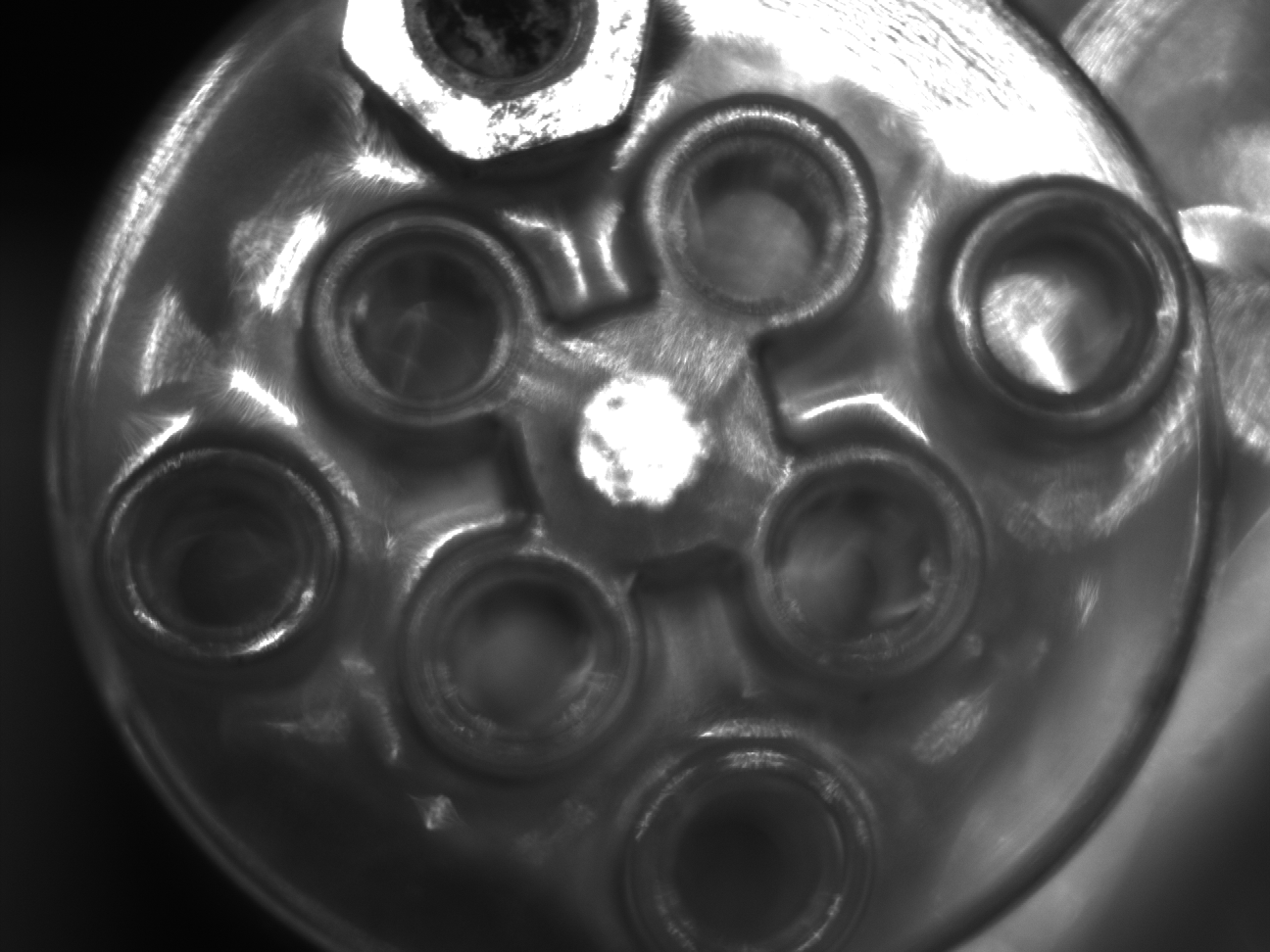
📊 Example Output
Captured images at 10 fps while the object was rotating:
| 45ms | 143ms | 243ms | 343ms | 443ms |
|---|---|---|---|---|
 |
 |
 |
 |
 |
| 543ms | 643ms | 743ms | 843ms | 943ms |
 |
 |
 |
 |
 |
⚠️ Common Problems & How to Fix Them
| Issue | Cause / Solution |
|---|---|
| Missing frames | Saving images takes too long → save in a background thread using ConcurrentQueue |
| CPU load too high | Full-resolution images are heavy → reduce ROI |
| First-frame timestamp inconsistent | Trigger mode behavior → use hardware/software trigger for strict timing |
🔁 Slow Burst Capture at Full Resolution?
→ Reduce ROI to Increase Frame Rate
Full-resolution capture (e.g., 2592×1944) can bottleneck both bandwidth and processing time. Reducing the Region of Interest (ROI) often dramatically improves:
- Frame rate
- Latency
- Stability
ROI-based optimization will be covered in the next article.
📝 Summary
- Burst capture in pylon is implemented with
StreamGrabber.Start()+ a loop - Frame rate control determines capture timing
- Image saving can become a bottleneck—offload saving to another thread if necessary
- Combining ROI with burst capture greatly improves performance
筆者: @MilleVision
📦 Full Sample Code Package
A complete working version of all code shown in this article (including burst capture templates) is available here:
コメントを残す