
筆者: [@MilleVision](https://qiita.com/MilleVision)
Manual Gain Control with the Basler pylon SDK (C# / .NET 8)
When working with industrial cameras such as those from Basler, exposure time alone is not always enough to achieve the brightness you need. This is especially true when:
- The subject moves quickly
- You must keep exposure time short
- The lighting environment limits the available exposure
In these situations, manual gain control becomes an important tool.
This article explains how to read, set, and validate gain values in C# using the Basler pylon SDK. We will also examine how gain affects noise and how to balance exposure vs. gain using practical example images.
✔ Environment
| Item | Details |
|---|---|
| Camera | Basler acA2500-14gm |
| Lens | VS Technology VS-LD25N (25 mm C-mount) |
| SDK | Basler pylon Camera Software Suite |
| Lang | C# / .NET 8 (Windows) |
💡 What Is Gain?
Gain represents electronic amplification of the sensor signal.
- Increasing gain brightens the image
- But it also amplifies noise, reducing image quality
Because of this trade-off, gain should be balanced with exposure time rather than used alone. Exposure increases brightness with lower noise, but may blur moving objects. Gain brightens the image without changing shutter time but introduces noise.
🔧 Code: Setting and Reading Gain
Below are simple helper methods for manual gain control.
Set Gain (manual mode)
|
1 2 3 4 5 6 7 |
public bool SetGain(double gainValue) { if (!SetGainAutoMode(PLCamera.GainAuto.Off)) return false; return SetPLCameraParamter(PLCamera.Gain, gainValue); } |
Auto Gain Mode
|
1 2 |
public bool SetGainAutoMode(string mode) => SetPLCameraParamter(PLCamera.GainAuto, mode); |
Read Gain
public double GetGain()
    => GetPLCameraParamter(PLCamera.Gain);
📷 Gain in Practice: Image Comparisons
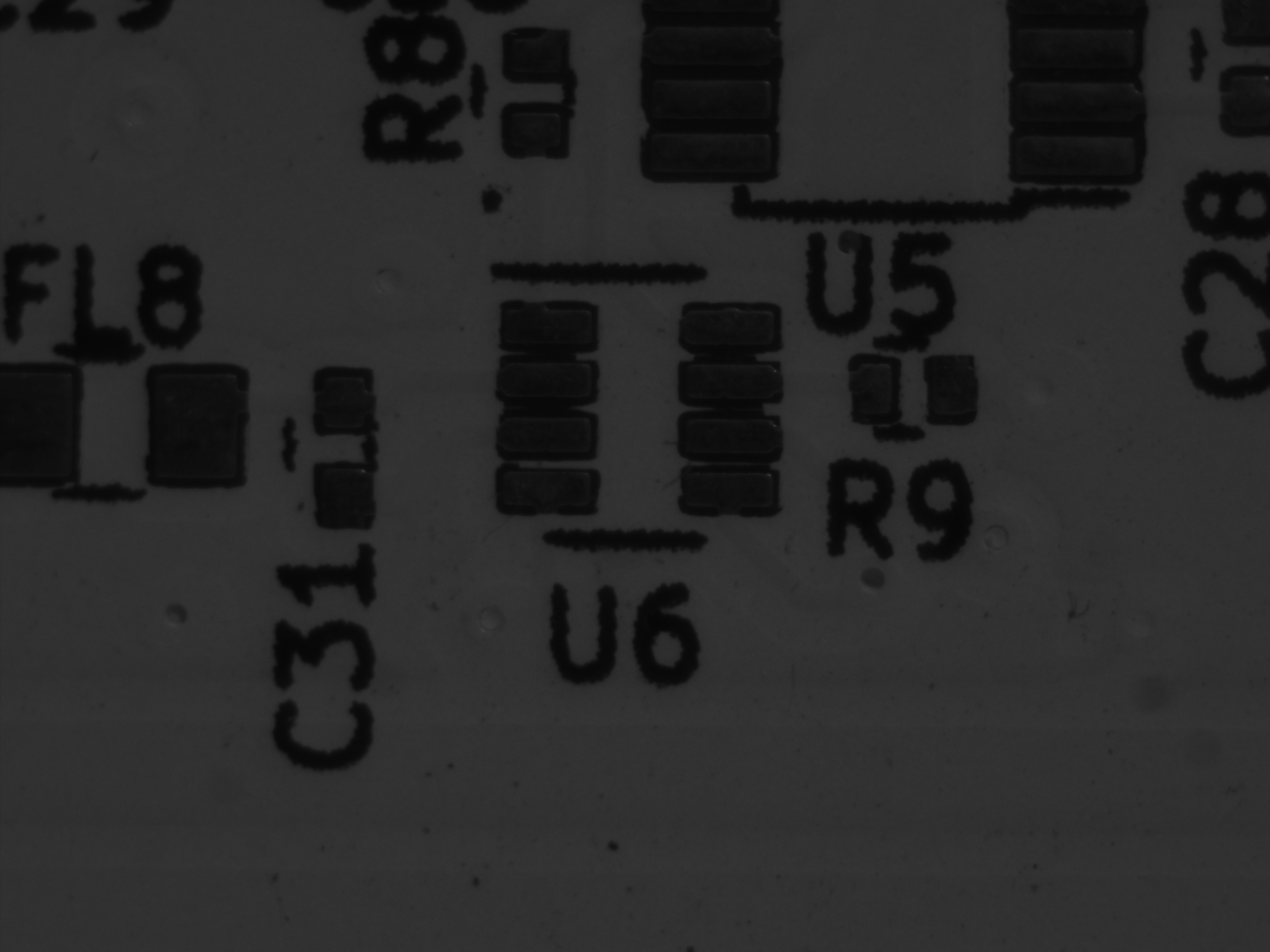
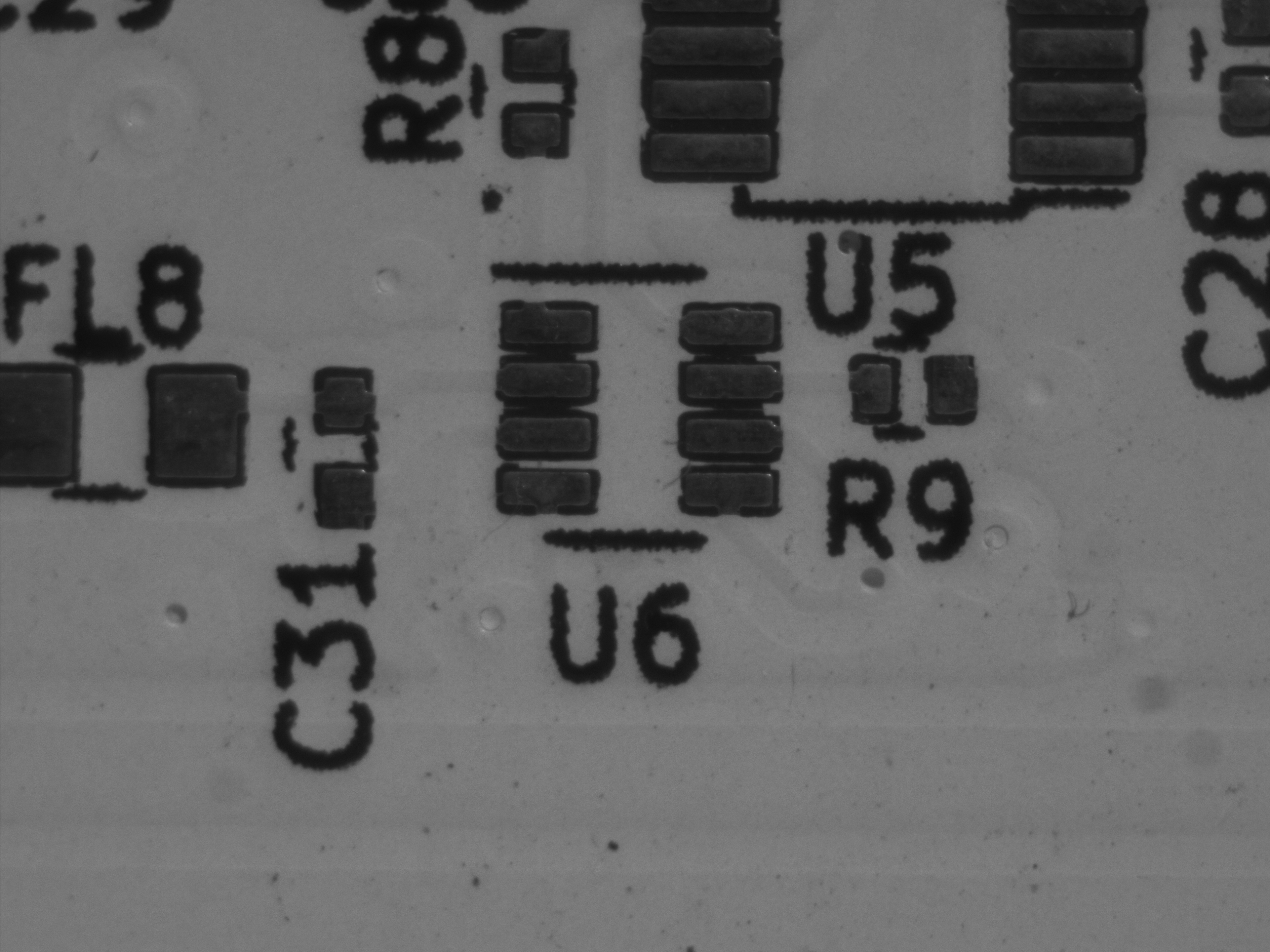
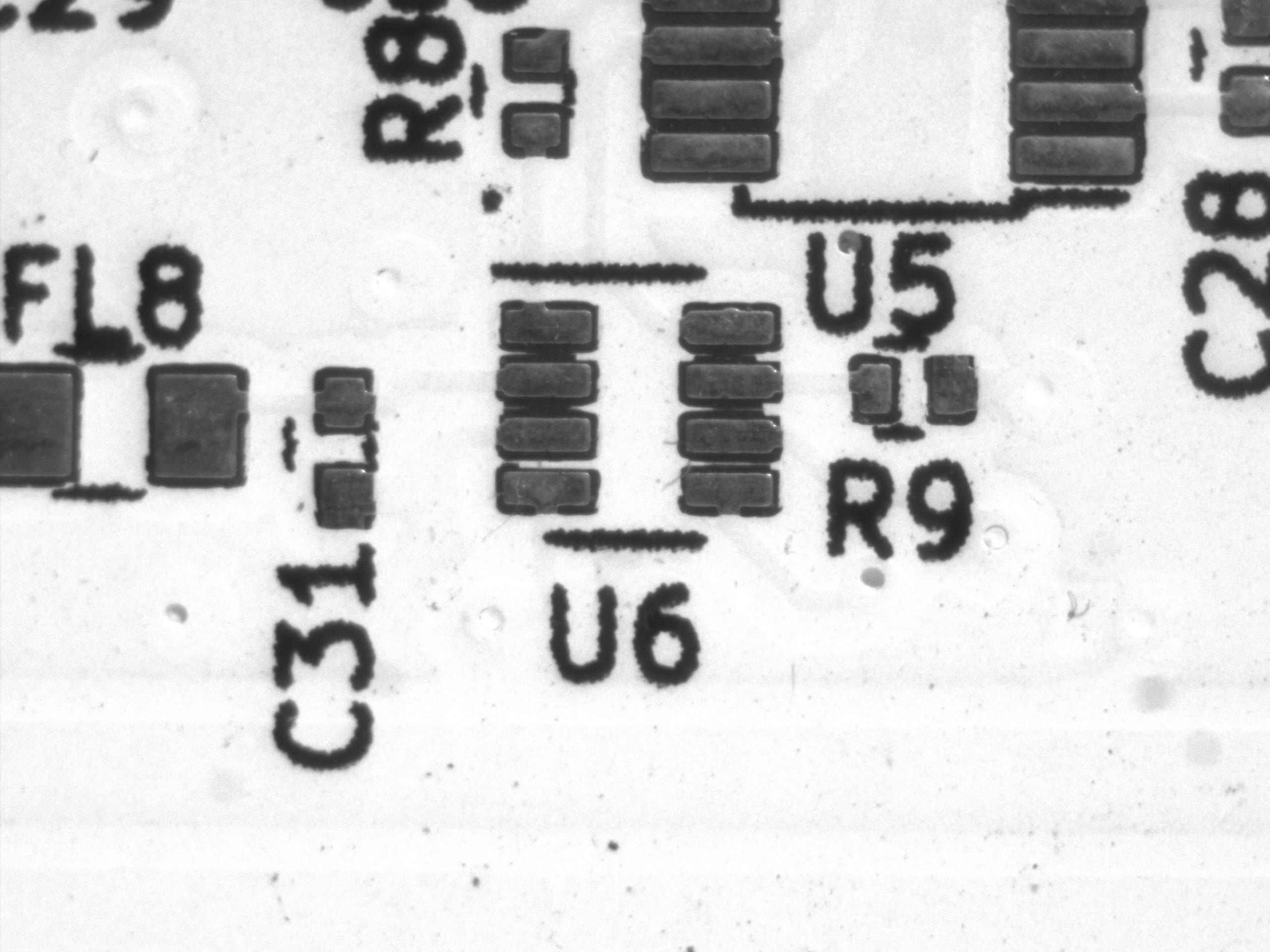
① Exposure Fixed, Gain Increased
In this test, exposure time is constant while only gain is changed. You can clearly see how higher gain results in brighter images but more noise.
| Gain 0 dB | Gain 12 dB | Gain 24 dB |
|---|---|---|
 |
 |
 |
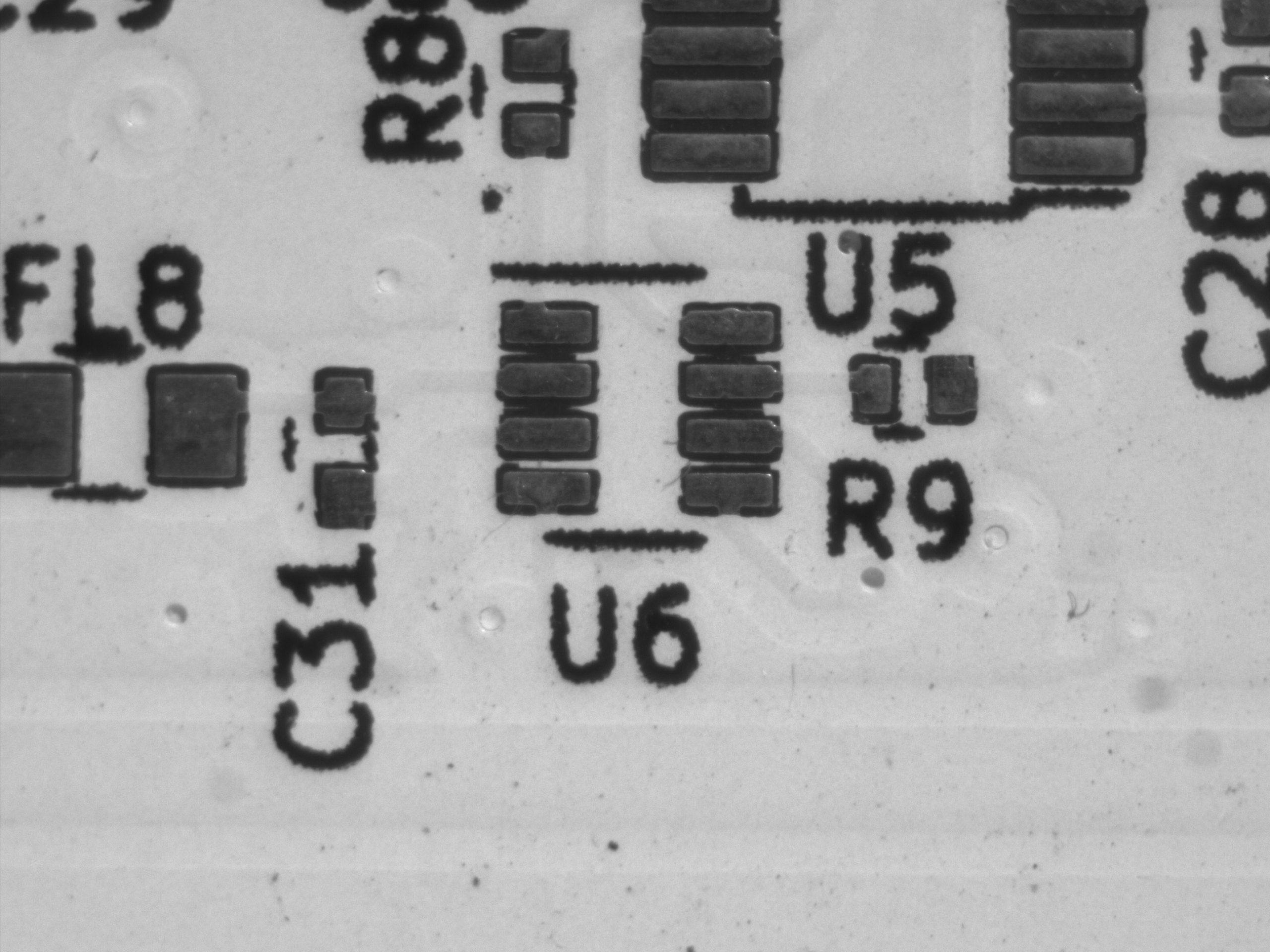
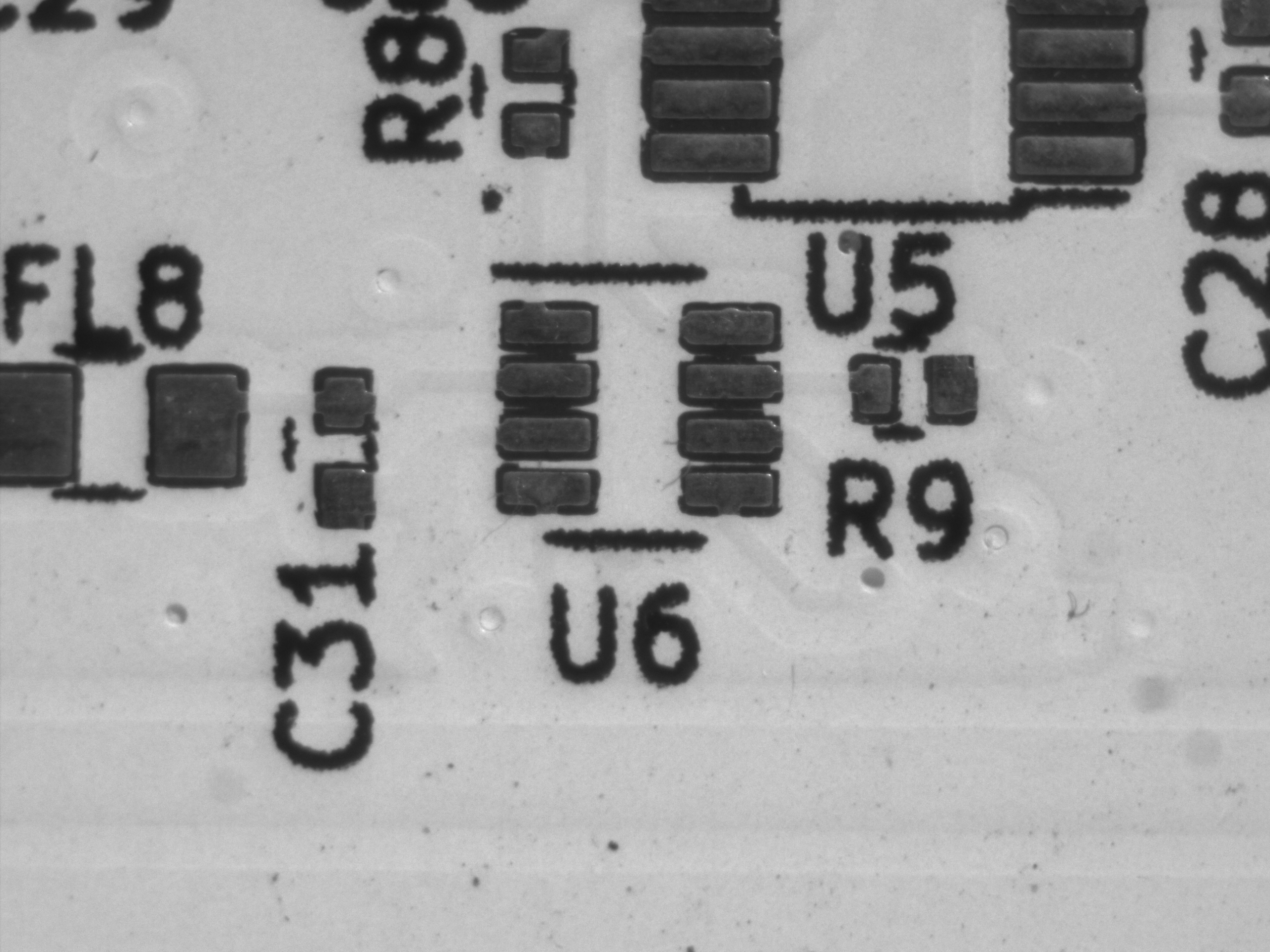
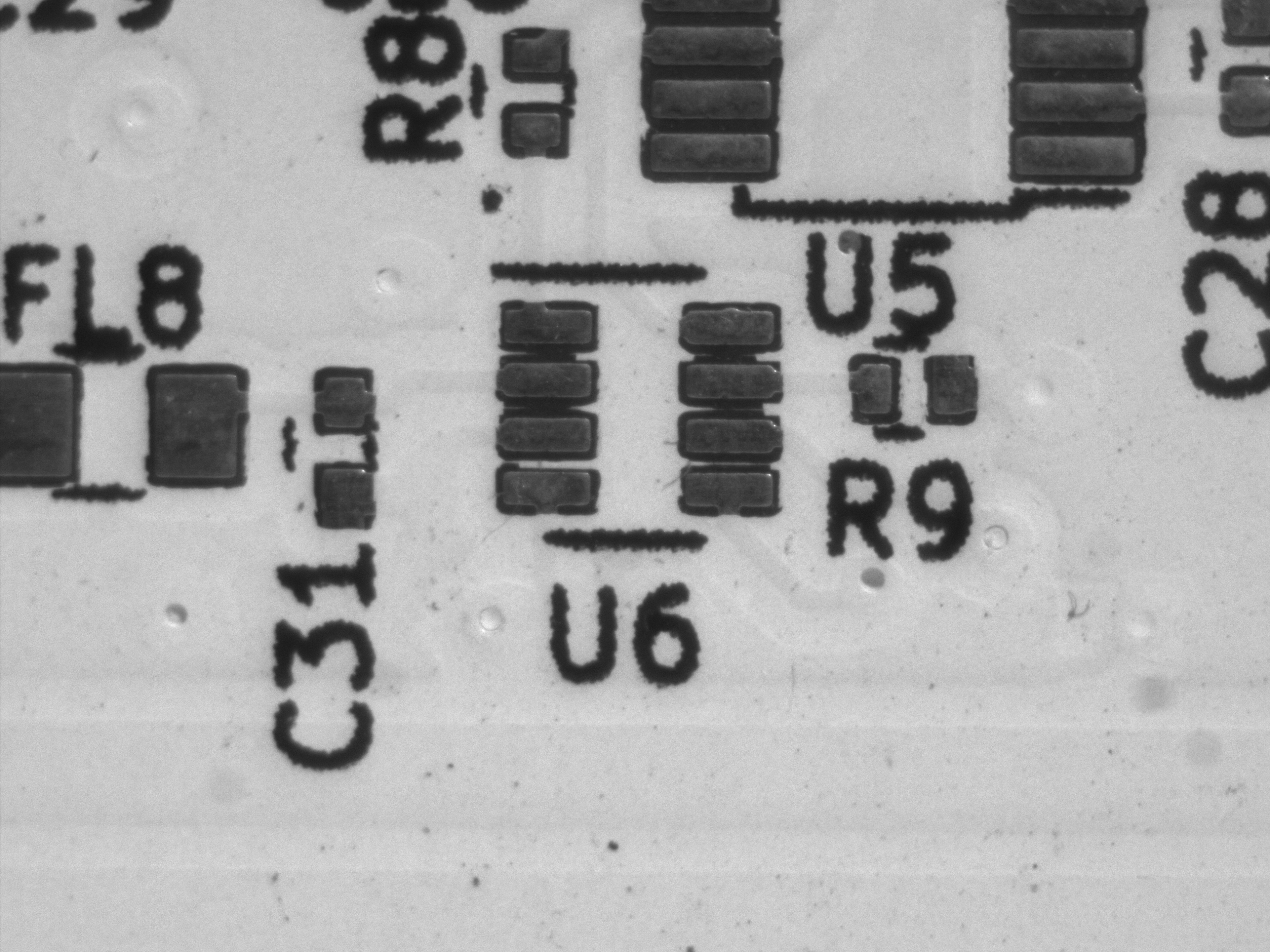
② Same Brightness, Different Gain (Exposure Adjusted)
Here, exposure time was adjusted so that the brightness remained approximately constant, allowing you to see just the difference in noise.
| Gain 0 dB (60ms) | Gain 12 dB (24ms) | Gain 24 dB (12ms) |
|---|---|---|
 |
 |
 |
💡 GainRaw ↔ Gain (dB) Conversion
Basler cameras often expose two gain parameters:
Gain(in dB) — user-friendlyGainRaw— internal integer register value
The mapping between them varies by camera model, but it can typically be approximated by a linear transform:
|
1 2 3 4 5 6 7 8 9 10 11 12 13 14 15 16 17 18 19 |
double ConvertGainRawToDb(long rawValue) { var rawMin = Camera.Parameters[PLCamera.GainRaw].GetMinimum(); var rawMax = Camera.Parameters[PLCamera.GainRaw].GetMaximum(); var dbMin = Camera.Parameters[PLCamera.Gain].GetMinimum(); var dbMax = Camera.Parameters[PLCamera.Gain].GetMaximum(); return dbMin + (dbMax – dbMin) * (rawValue – rawMin) / (double)(rawMax – rawMin); } long ConvertGainDbToRaw(double dbValue) { var rawMin = Camera.Parameters[PLCamera.GainRaw].GetMinimum(); var rawMax = Camera.Parameters[PLCamera.GainRaw].GetMaximum(); var dbMin = Camera.Parameters[PLCamera.Gain].GetMinimum(); var dbMax = Camera.Parameters[PLCamera.Gain].GetMaximum(); return (long)Math.Round(rawMin + (rawMax – rawMin) * (dbValue – dbMin) / (dbMax – dbMin)); } |
This is useful when a camera supports only GainRaw or when you need precise dB control.
🧭 Troubleshooting Common Gain Issues
| Issue | Cause / Solution |
|---|---|
| Gain does not change | GainAuto is not set to Off |
| Parameter write error | Value outside the allowed range — check GetMin() / GetMax() |
| Noise becomes excessive | Gain too high — prefer exposure when possible |
Cannot write to Gain |
Parameter not writable → likely because auto gain is active |
When Gain Cannot Be Set
If GainAuto is not disabled, the parameter:
Camera.Parameters[PLCamera.Gain].IsWritable
will be false, preventing manual writes.
Always check IsWritable before writing to avoid runtime exceptions.
📝 Summary
-
Gain amplifies brightness and noise — unlike exposure, which brightens with less noise
-
Set
GainAuto = Offto enable manual gain control -
The balance between exposure and gain is crucial:
- Exposure = cleaner images, but motion blur risk
- Gain = no blur, but increased noise
By comparing images side-by-side, we can see why most machine-vision systems prioritize exposure first, then use gain sparingly.
🔜 Next Article
With exposure and gain under control, the next major topic is trigger modes and frame synchronization. We’ll explore hardware triggers, software triggers, and best practices for synchronized acquisition.
筆者: @MilleVision
コメントを残す